NOTE:
The information on this page is for Indigo Version 2.
Indigo Version 3 has replaced Version 3 and information on licensing Indigo Version 3 can be obtained here.
The information on this page is for Indigo Version 2.
Indigo Version 3 has replaced Version 3 and information on licensing Indigo Version 3 can be obtained here.
How To License Software Your Indigo Software
This guide walks you throught the process of licensing and registering your Indigo Terminal Emulator software.
- First download and install the Indigo software application on your computer.
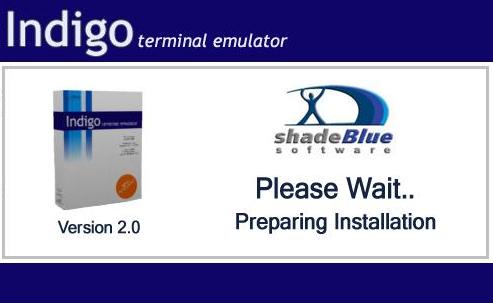
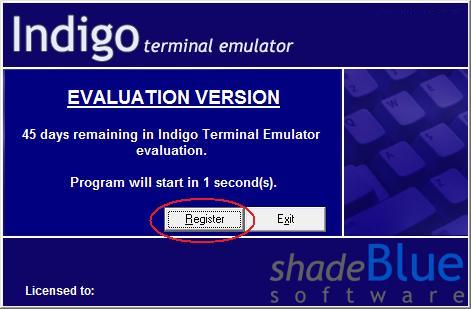
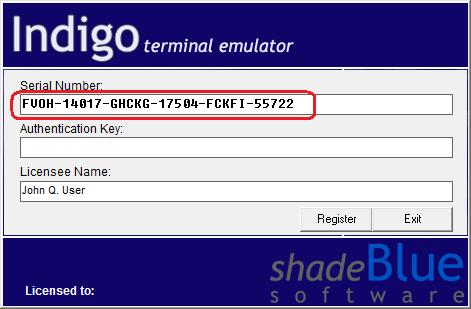
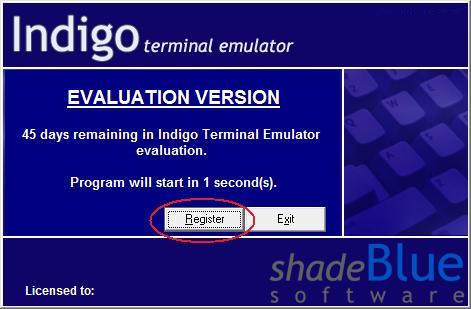
- When Indigo is started, a splash dialog is displayed. Click the Regsiter button on this dialog to display the software registration screen.
[-Note-] If Indigo is already running you can also access the registration screen by clicking the Help -> Registration menu item.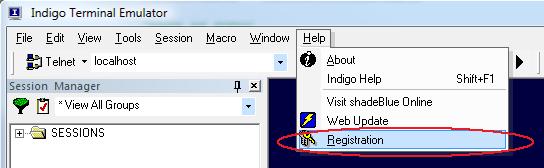
- The registration page will display a Software Serial Number. This serial number is needed to complete the online licensing registration.
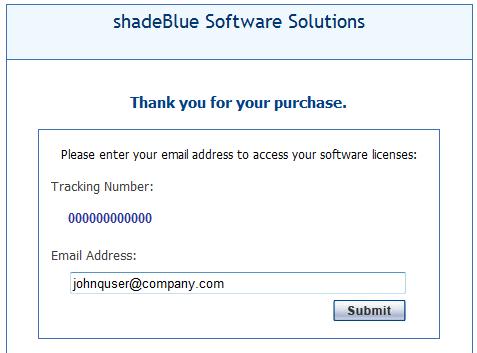
- After your purchase your should have recevied an automated email from shadeBlue including a registration hyperlink. Opening the link in a web browser will prompt you for the email address you used when purchasing the software online. Please enter this email address and click Submit to continue.
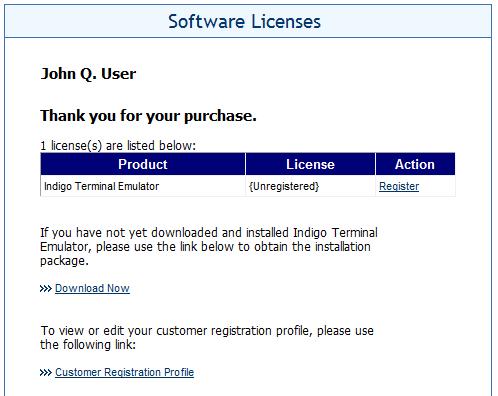
- After authenticating your email address, a listing of all the Indigo licenses you purchased will be displayed. Here you can click the Register link on any available license record to register your copy of Indigo.
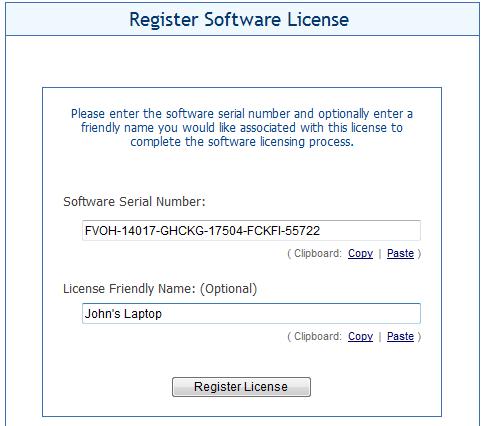
- This is the location where you will need to enter your software serial number that you obtained in Step 3. The easiest way to do this is to copy the serial number from the Indigo registration dialog and paste it to this web page. You can also optionally enter a friendly name to associate with this license if desired.
- After generating the licensing authentication key, copy it from the web page to the Indigo registration dialog. Click Register to complete the software licensing.
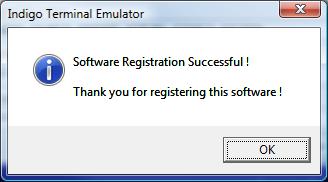
- After clicking Register you should be presented with a registration success message. Now your copy of Indigo is fully licensed and ready to provide years of service!